Dictation is a utility, not a service
Humble Voice
Dictation that reads like you wrote it
Hold a key, speak, release. The fillers are gone and the punctuation is right before the text reaches your cursor. It all runs on your Mac. $19.99 once, no subscription, no account.


Why it's different
One key, and no subscription
Dictation apps tend to bill monthly and send your voice to a server. Humble Voice does one job on the Mac you already own, and you pay for it once.
Put your cursor in Mail, Notes, Messages, Safari, Chrome and many more, then just talk.
The speech model runs on your Mac. No audio is uploaded and there’s no server to trust, because there isn’t one.
$19.99, one time. No subscription, no renewal notice, and no account to create.
Dictate
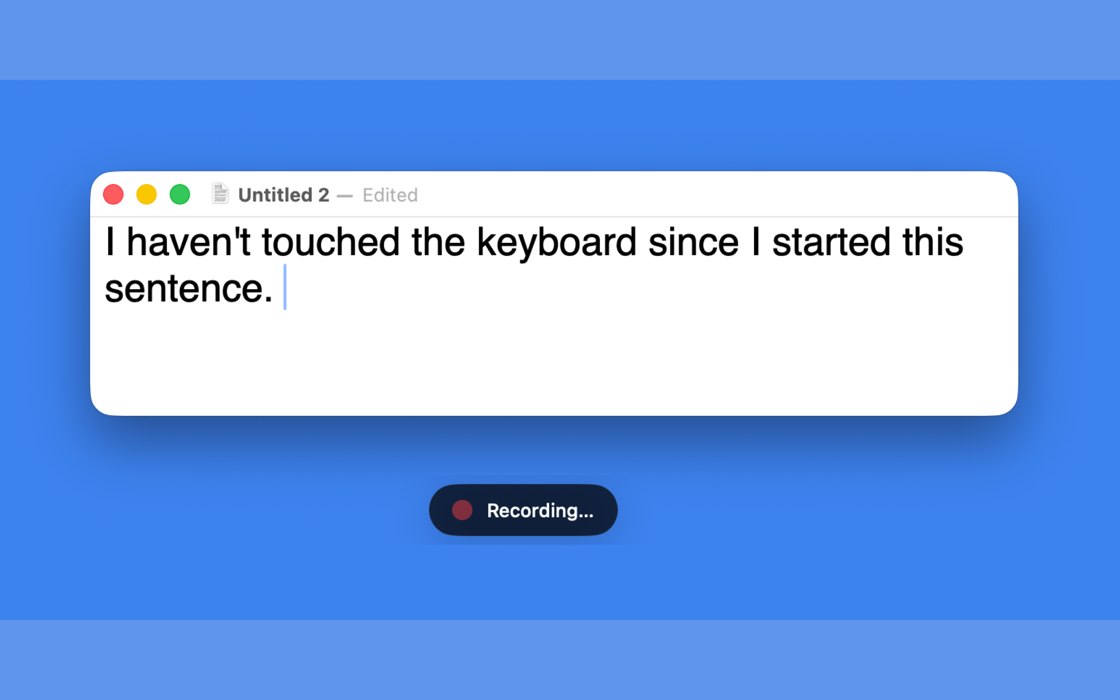
Hold, speak, release
There are two ways to get it. The Mac App Store version starts with Command-Shift-U. The download from humblevoice.app has a 7-day free trial and starts with Right Option. Either way it’s $19.99 once.
Nothing to open
No window to focus and no app to switch to. It lives quietly in your menu bar.
Spoken punctuation
Say “comma,” “question mark” or “new paragraph” and get the real thing.
Fillers removed
Trims “um,” “uh” and “you know,” and leaves your actual words alone.
Refine
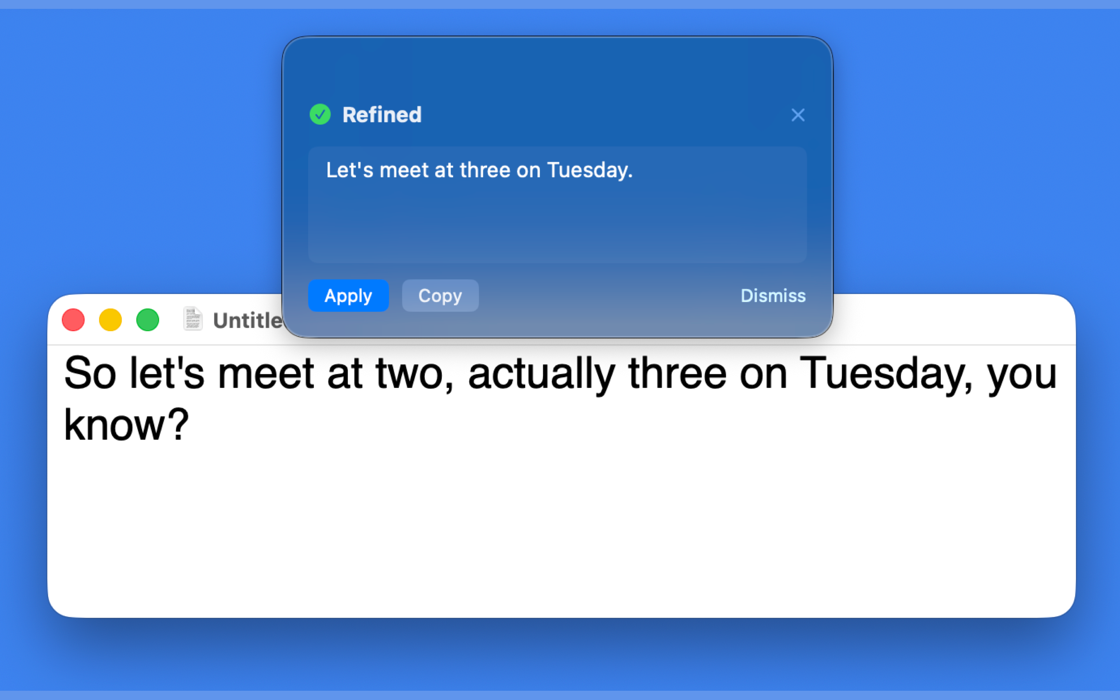
Said something tangled?
One more step
AI Refine smooths a rambling take into a clean sentence, and you decide whether to keep it.
A janitor, not a ghostwriter
It cleans up how you said it. It won’t rewrite what you meant.
Don't type it. Say it.
$19.99 once. No subscription, no account, and your voice never leaves your Mac.